 SurfSense Docs
Connect a plugin and use it in a chat
Add an MCP server as a plugin, choose what its tools may do, and approve them in an Agentic chat
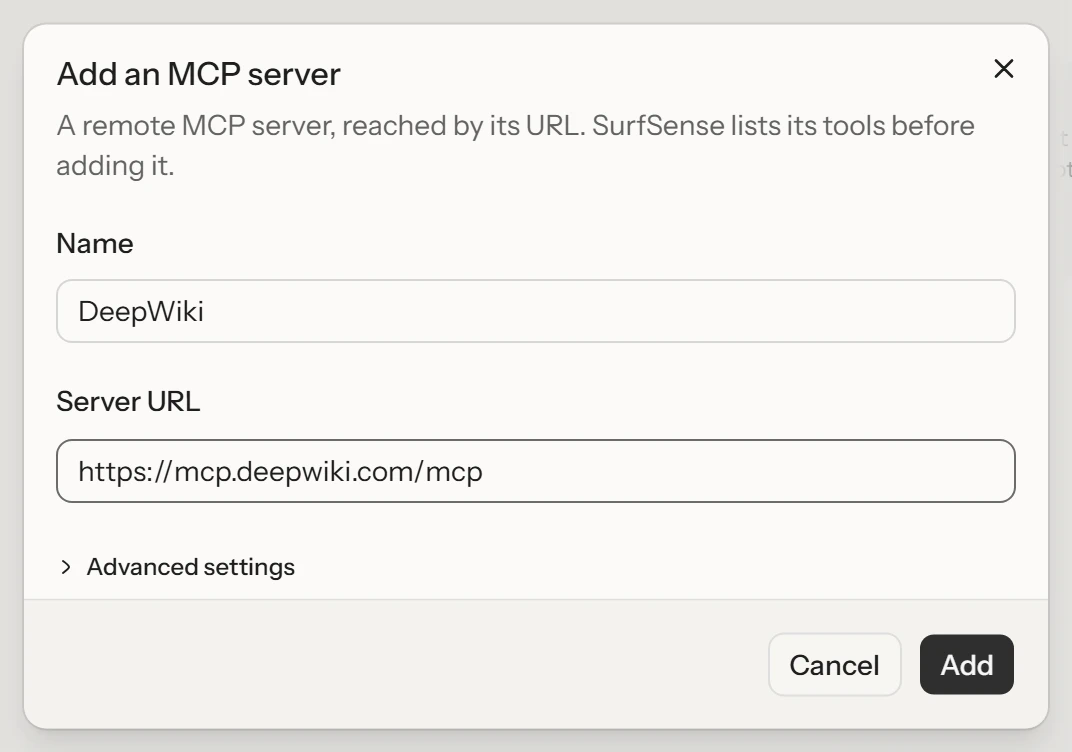
A plugin gives the agent tools from an MCP server, such as "ask about a GitHub repository". This guide adds DeepWiki's public server, which needs no sign-in, by its URL. Plugins from the Browse tab connect the same way. See Plugins.
Allow third-party plugins
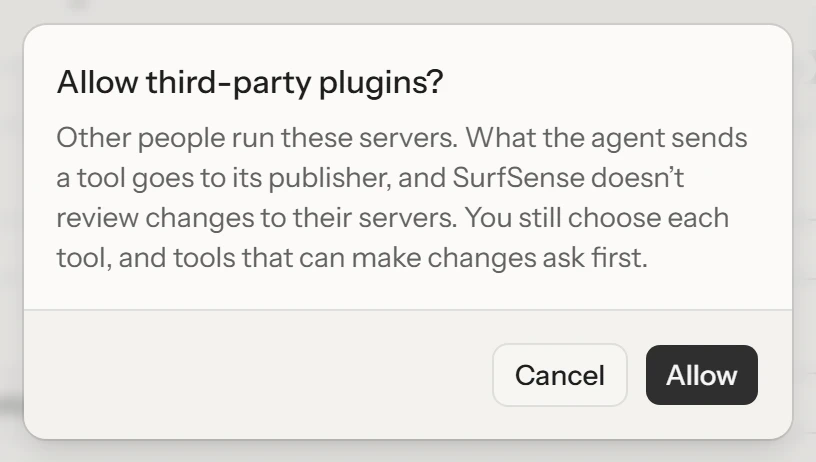
Open Settings, then Plugins, and click Add custom plugin. A server added by its URL is a third-party plugin: turn on Allow third-party plugins, and SurfSense says what that means before you Allow.
Allow the server
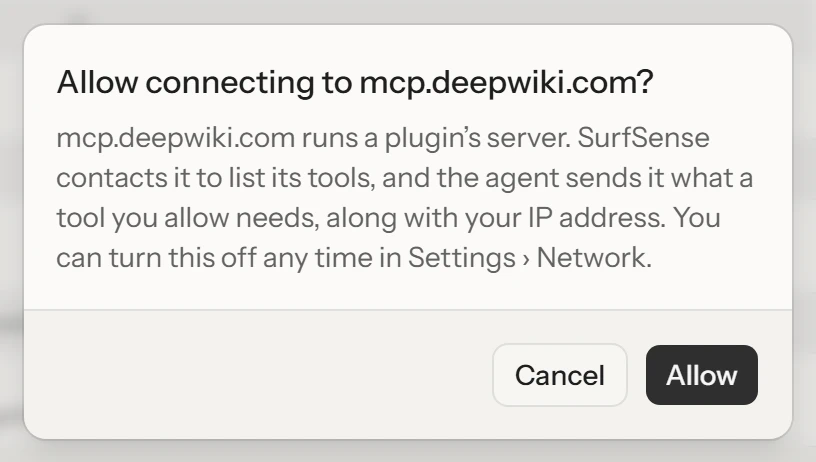
SurfSense asks before it contacts the server, and says what it receives. Click Allow. You can turn it off later in Settings › Network.
Choose what its tools may do
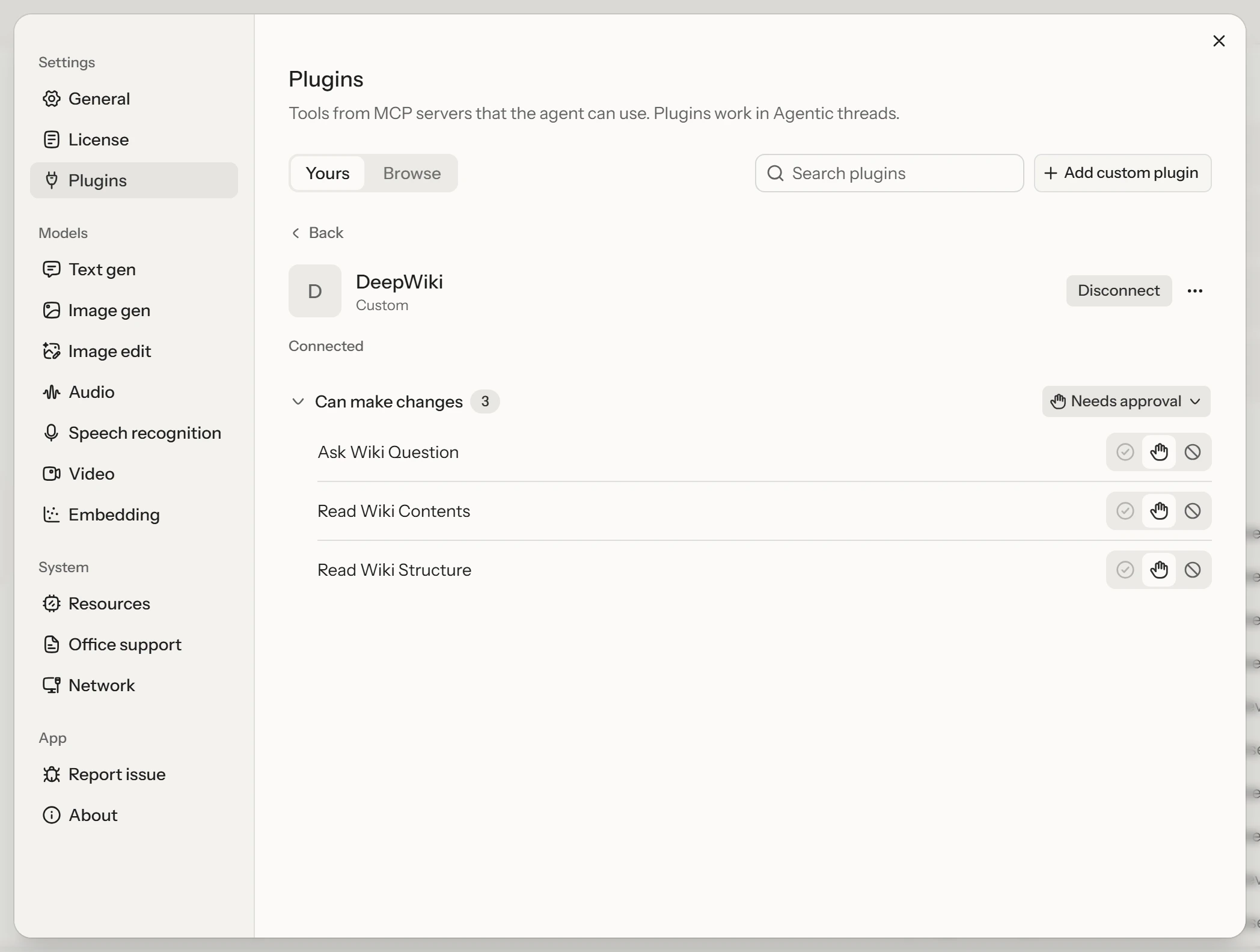
Open the plugin to see its tools. Set each one to always allowed, ask first, or blocked. A tool that can make changes always asks first.
Approve it in a chat
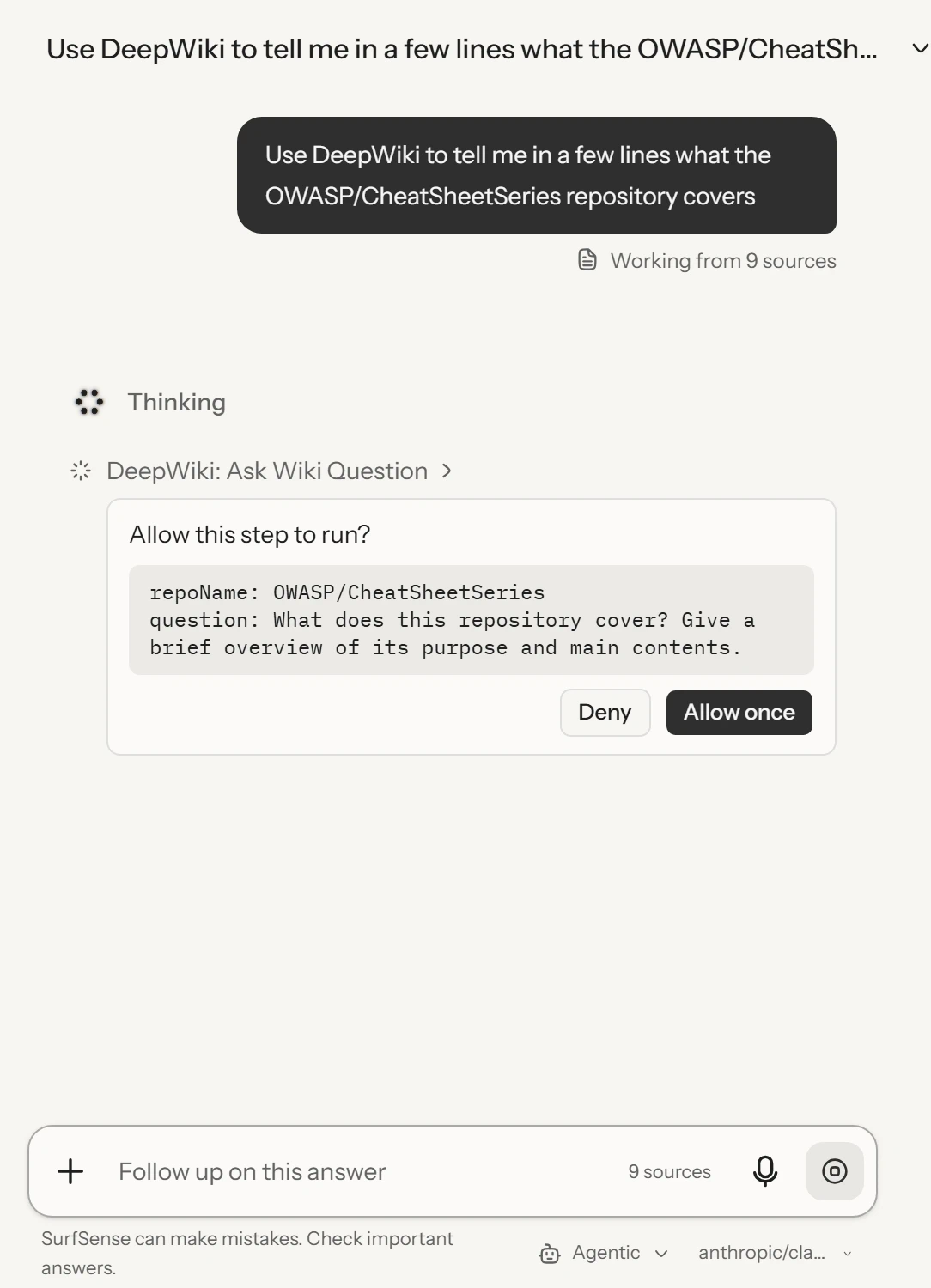
In an Agentic chat, ask for something the plugin does. When a tool needs approval, the turn stops under its step and shows what the tool will receive. Click Allow once, or Deny.
Read the answer
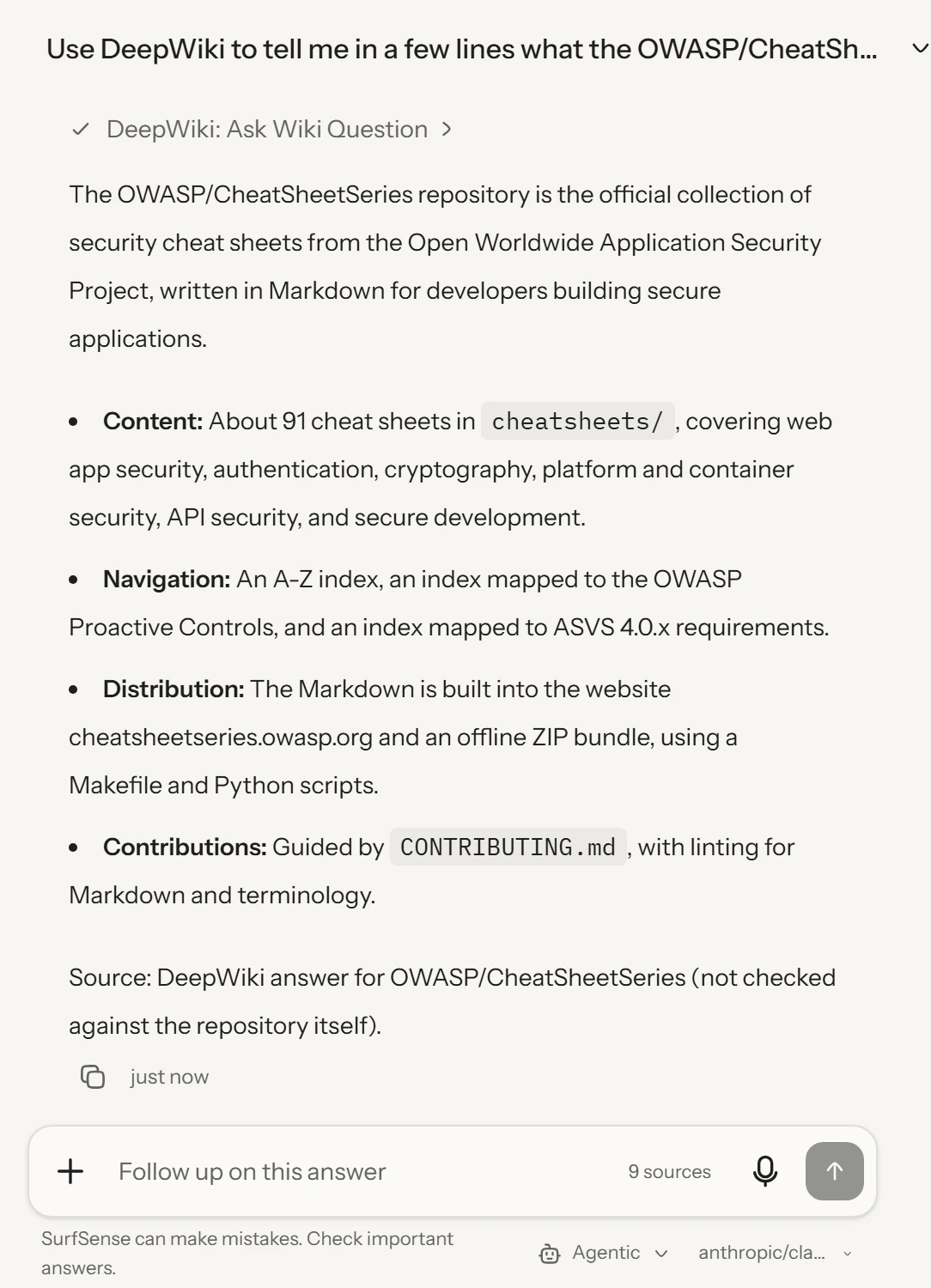
The agent answers from what the tool returned. A plugin step's full result can be saved as a note with Save to Sources.
Plugins work in Agentic chats only.
Next
- Third-party and custom plugins covers sign-ins and keys.
Last updated on November 23, 2026