 SurfSense Docs
Make flashcards, a quiz and a mind map
Turn your sources into study material in Studio, and work through it in the app
Studio makes study material from the sources you pick: flashcards to go through one at a time, a quiz with explanations, and a mind map of how the ideas connect. They stay in the workspace, and your progress is saved as you go.
Start all three
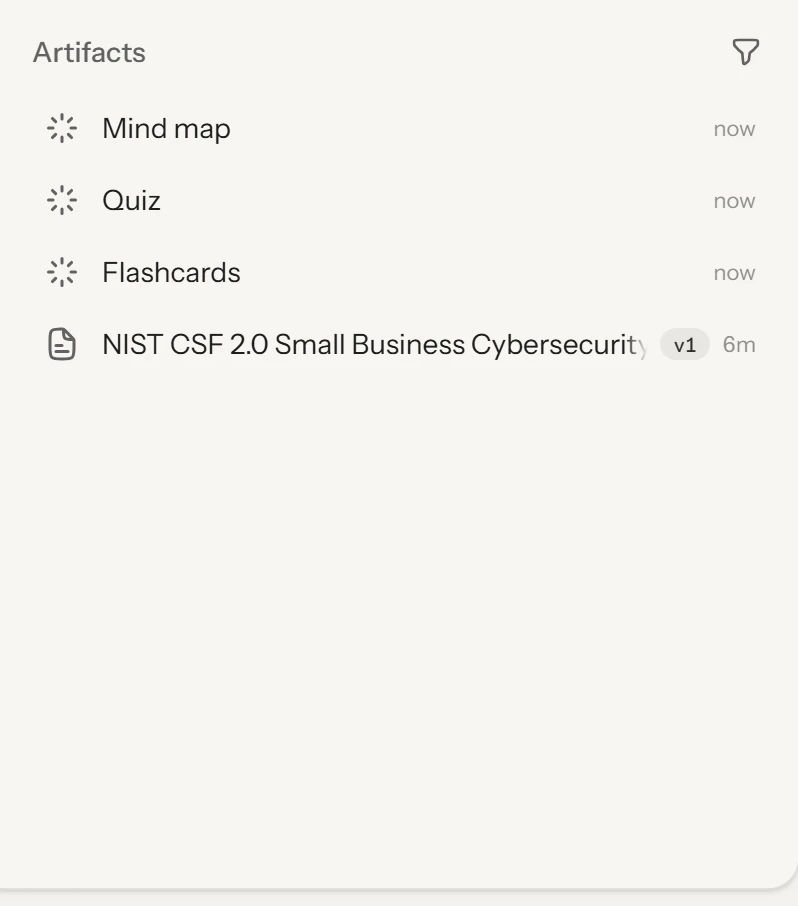
In Studio, click Flashcards, write a prompt if you want to steer it, and click Generate. Do the same for Quiz and Mind map: you can start several at once, and each appears under Artifacts.
Go through the flashcards
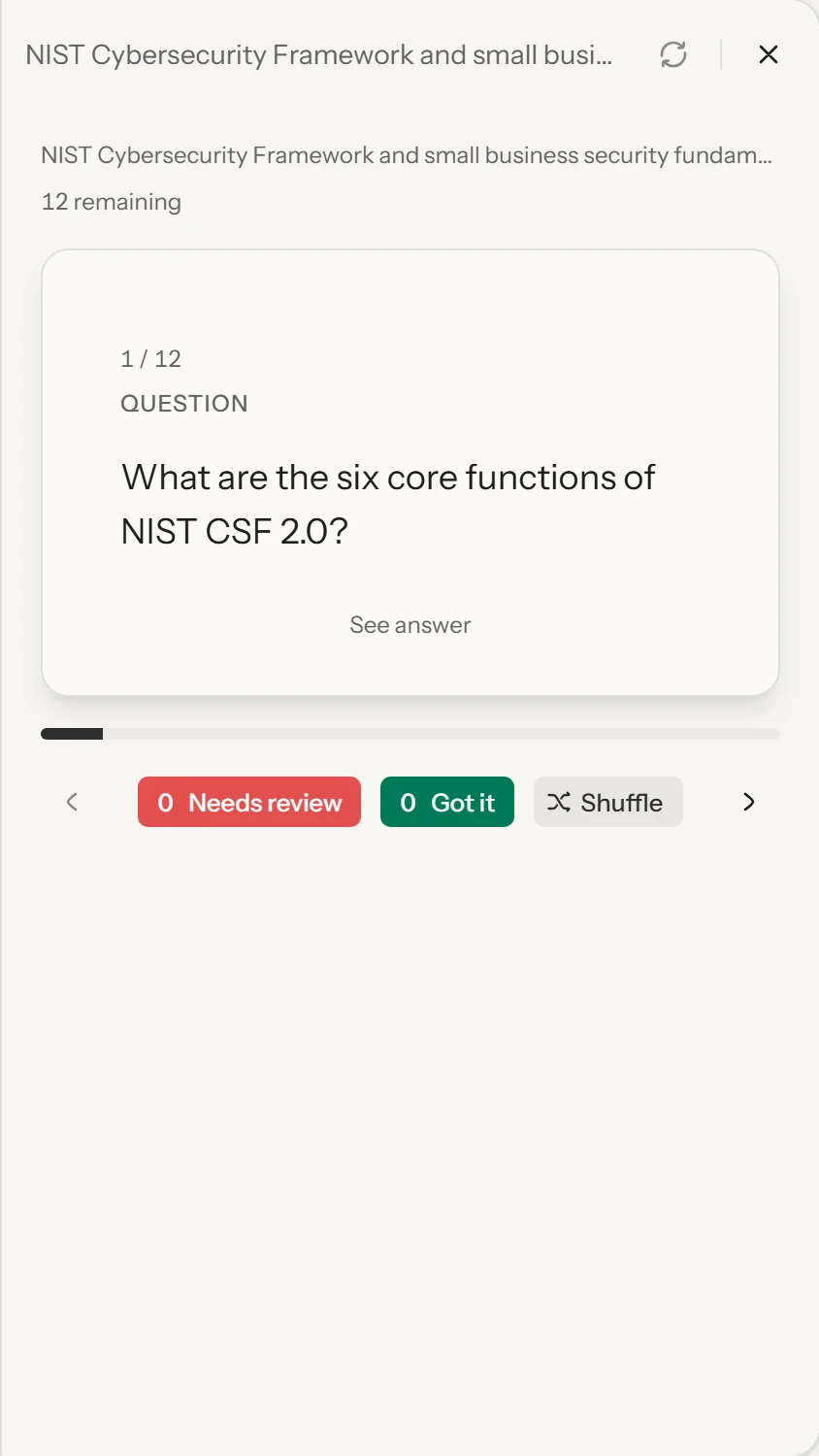
Open the flashcards. Each card shows a question; click See answer to turn it over.
Mark what you know
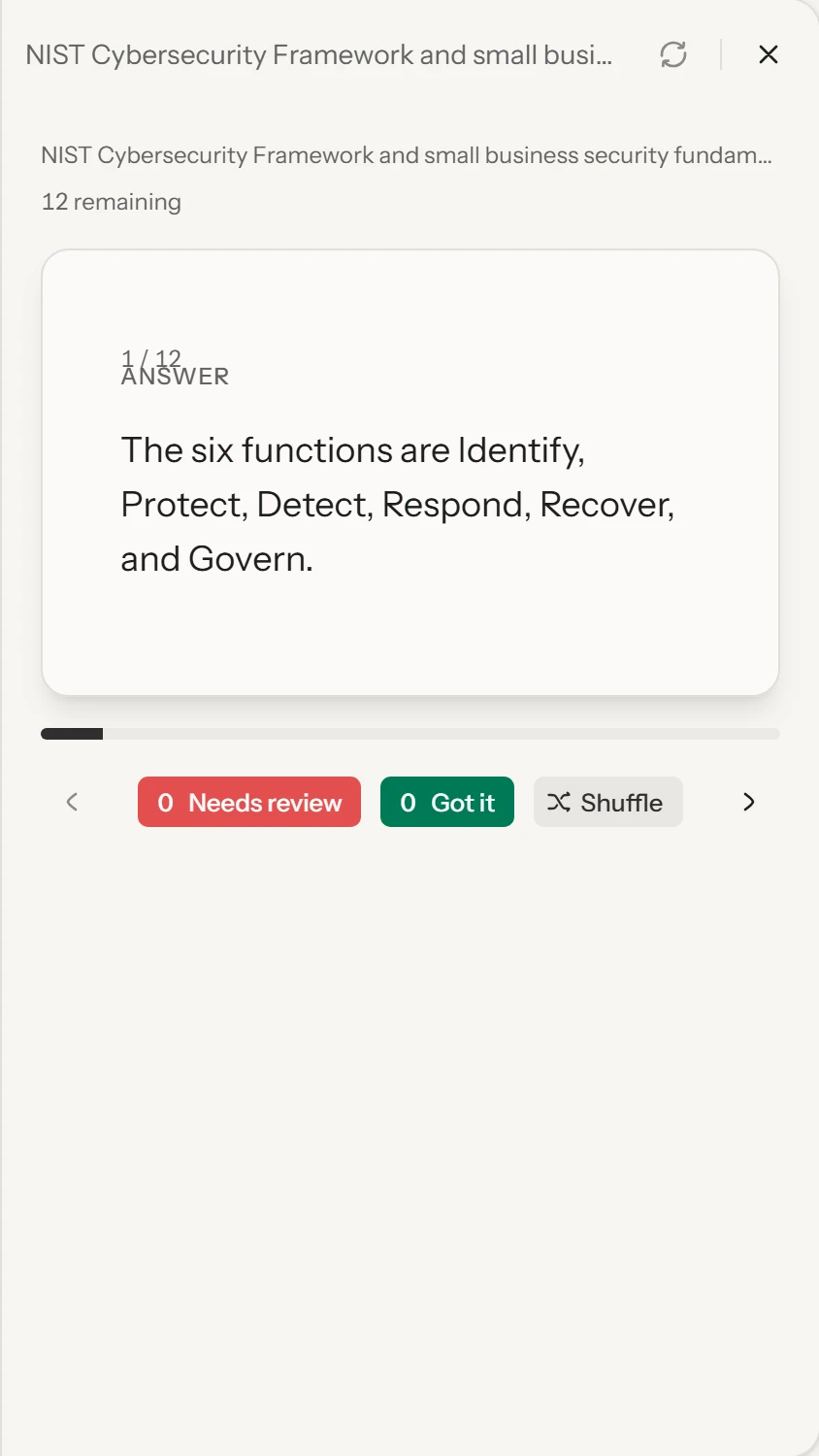
Mark each card Got it or Needs review, and use Shuffle to change the order. The counts show how far you've got.
Take the quiz
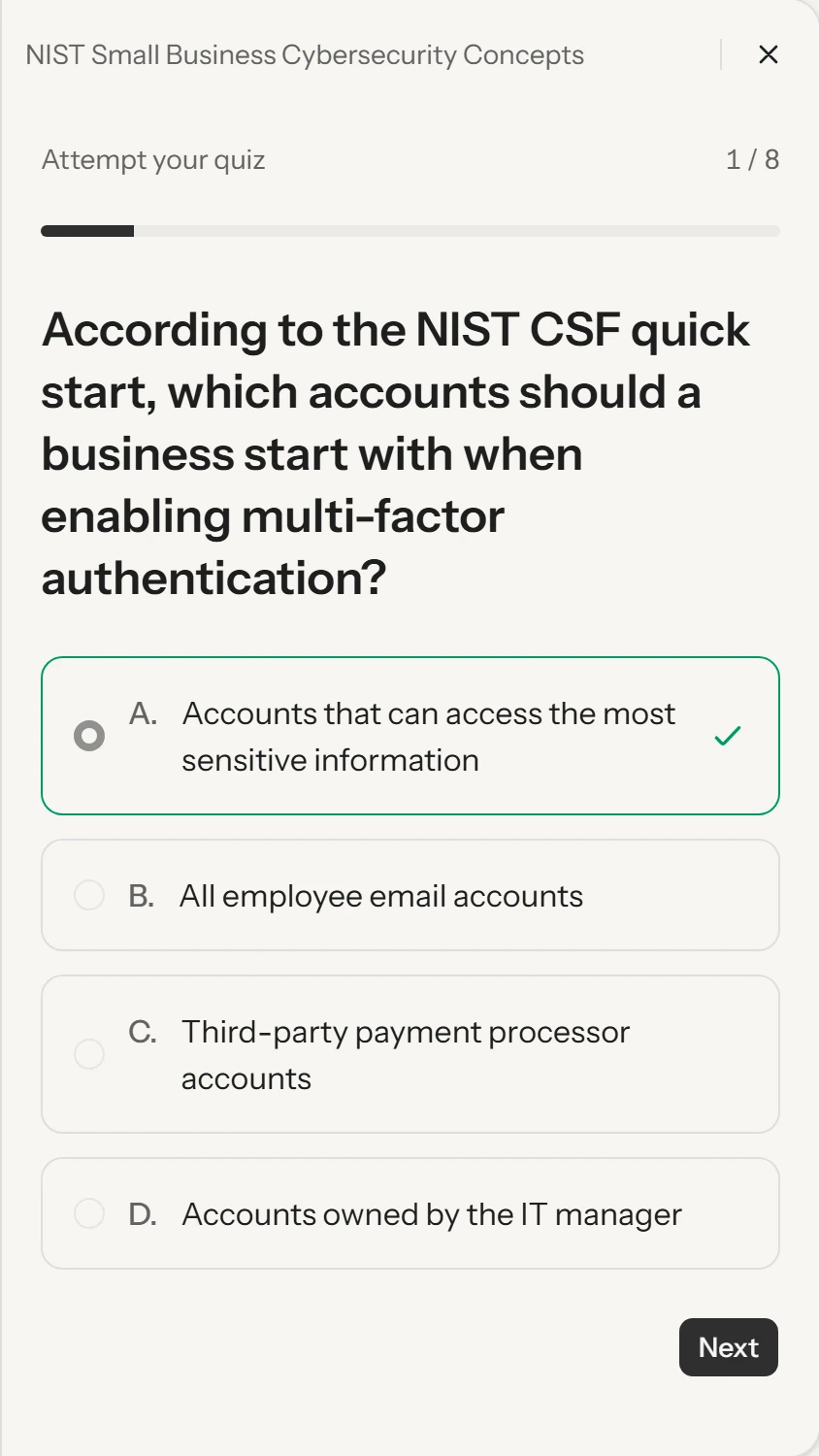
Open the quiz and pick an answer. The quiz marks it right or wrong and shows the right answer; click Next to go on, or Skip a question. At the end you get your score, and Retake quiz runs it again, or only the questions you missed.
Explore the mind map
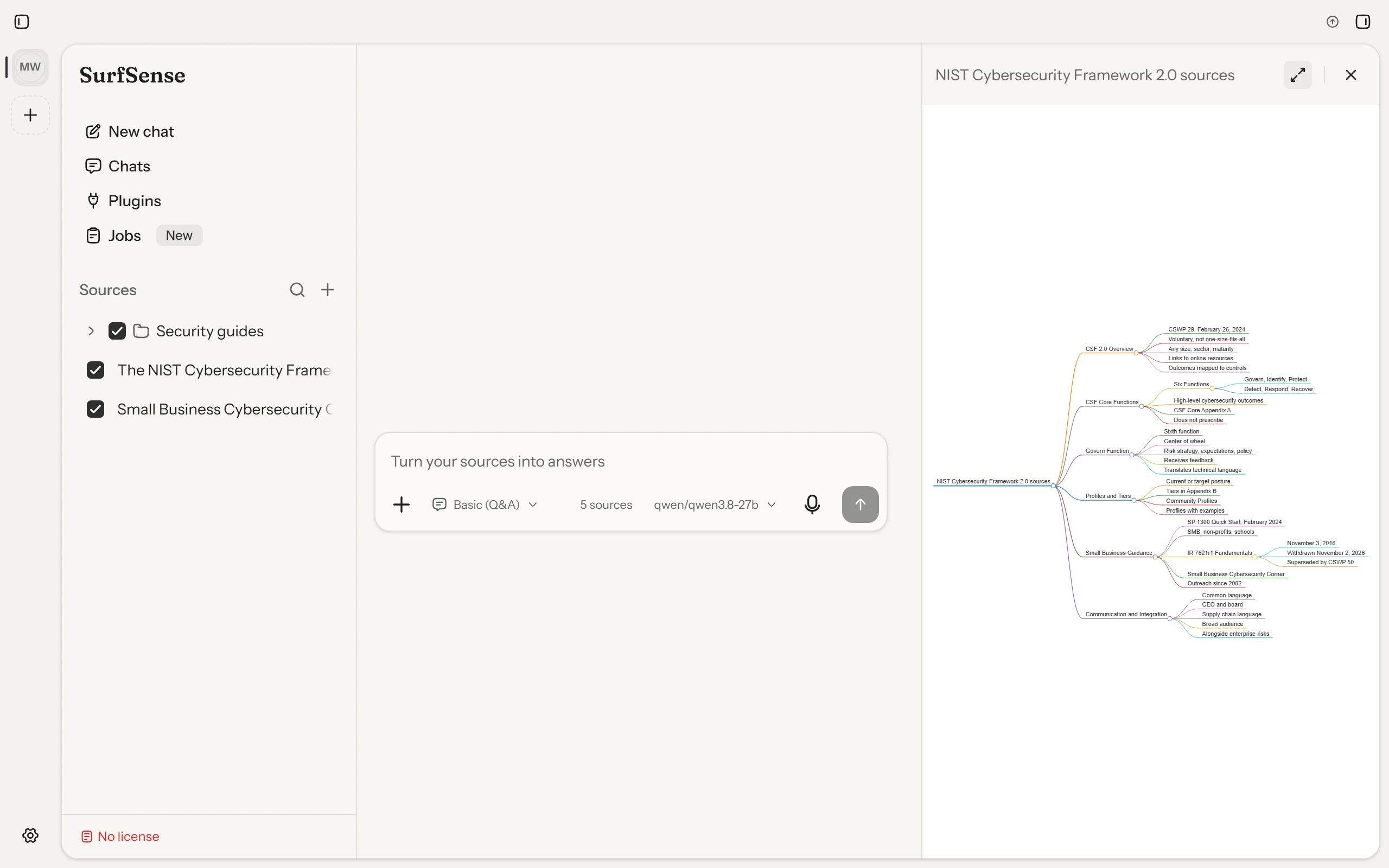
Open the mind map to see your sources' main ideas as branches. Click a branch to fold or unfold it, and the button at the top fits the whole map in the panel.
Next
- Turn your sources into a podcast to listen on the go.
- The student and teacher pages show more ways to study with SurfSense: AI for students and AI for teachers.
Last updated on November 23, 2026