 SurfSense Docs
Keep projects apart with workspaces
Create a workspace for each project, switch between them, rename and delete them
A workspace keeps one project's sources, chats and Studio outputs together, and a question in one never searches another. Your models, plugins, license and settings are shared by every workspace. See Workspaces.
Start using it
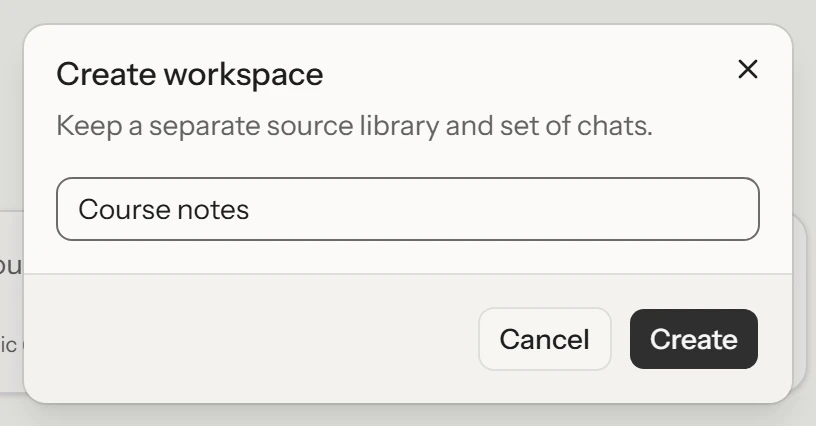
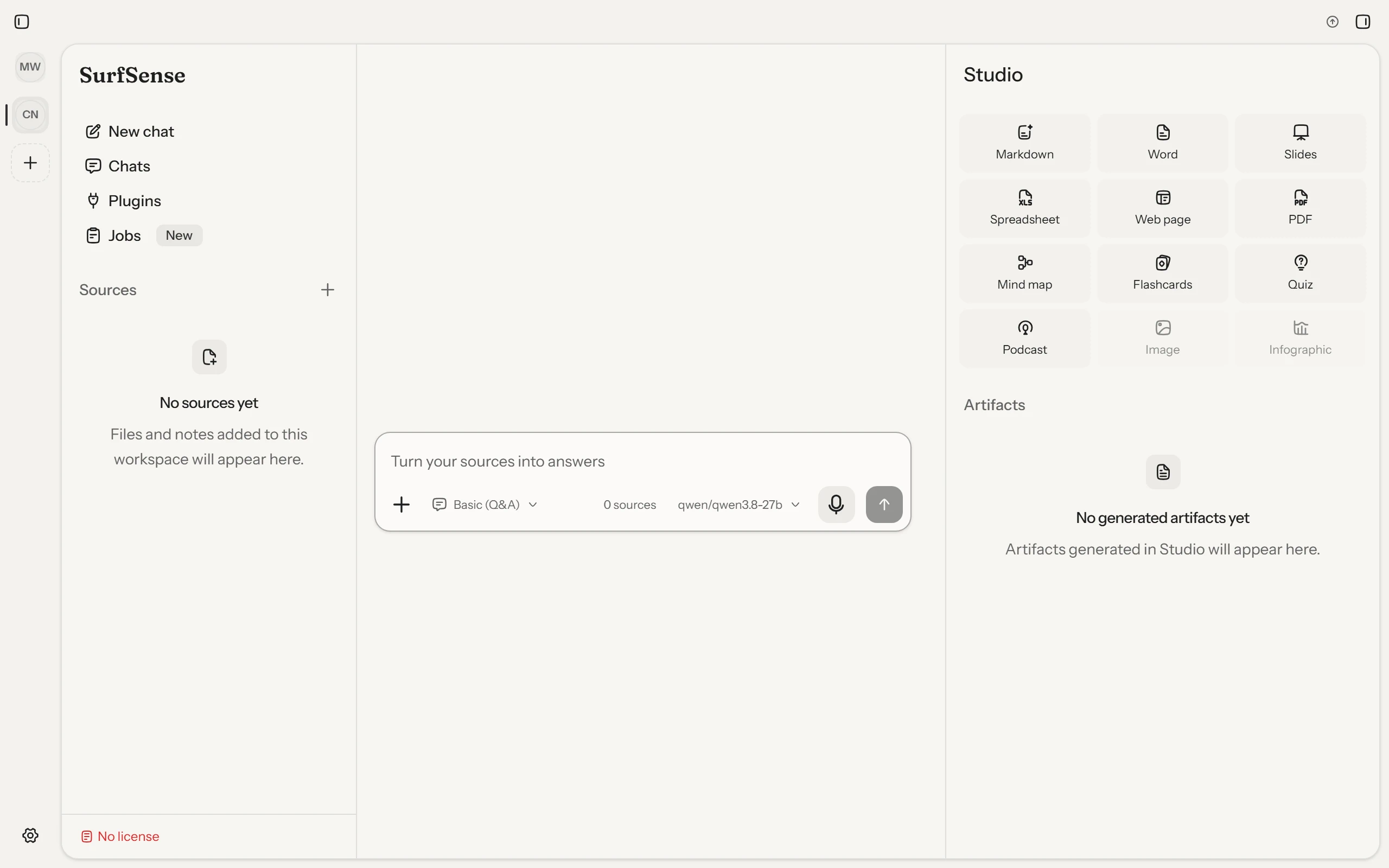
The new workspace opens straight away, empty, and the rail shows the first letters of its name.
Switch, rename or delete
Click a workspace in the rail to switch to it. Switching doesn't stop anything: a reply being written in another workspace keeps going.
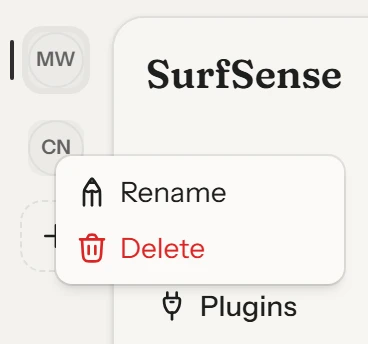
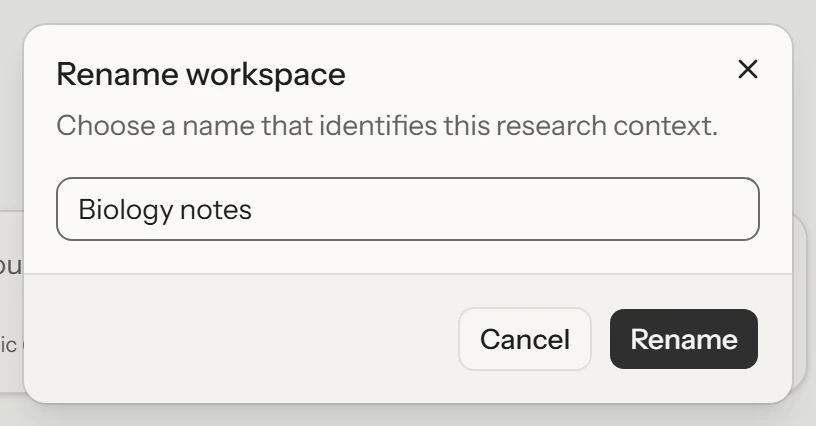
Right-click a workspace for Rename and Delete.
Delete it
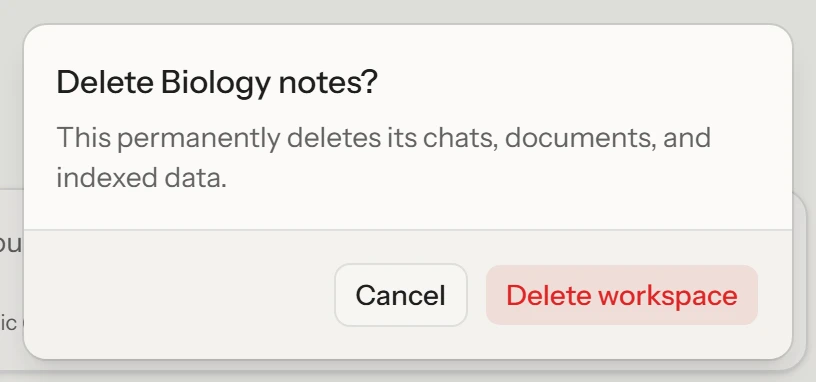
Choose Delete, then Delete workspace. This deletes the workspace's chats, sources and Studio outputs for good, with no undo. Your own files elsewhere on your computer aren't touched.
Next
- Add files and folders to the new workspace.
Last updated on November 23, 2026