 SurfSense Docs
Refine a document and open an earlier version
Ask Studio for a change to a document it made, and switch between its versions
Refine rewrites a Word document, PDF or web page that Studio made into its next version, and the earlier one stays as it was. Documents the agent made are changed in its chat instead. See Versions.
Describe the change
Open the document, click the round Refine button at the bottom right, and describe a change, such as "shorter: five items". Press Enter.
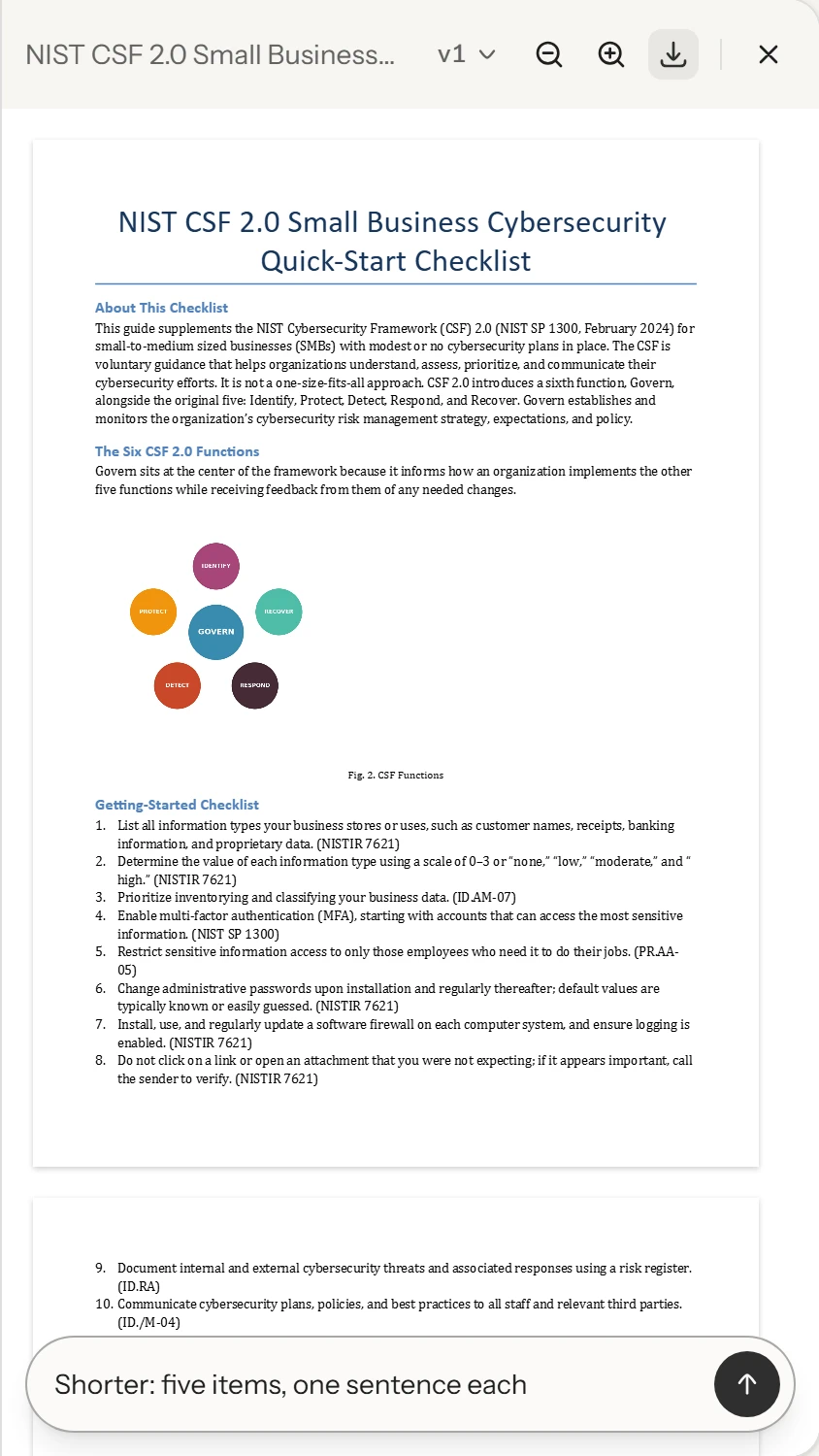
Read the new version
Studio rewrites the document with your chat model, and the viewer opens the new version. The version button at the top shows its number, such as v2.
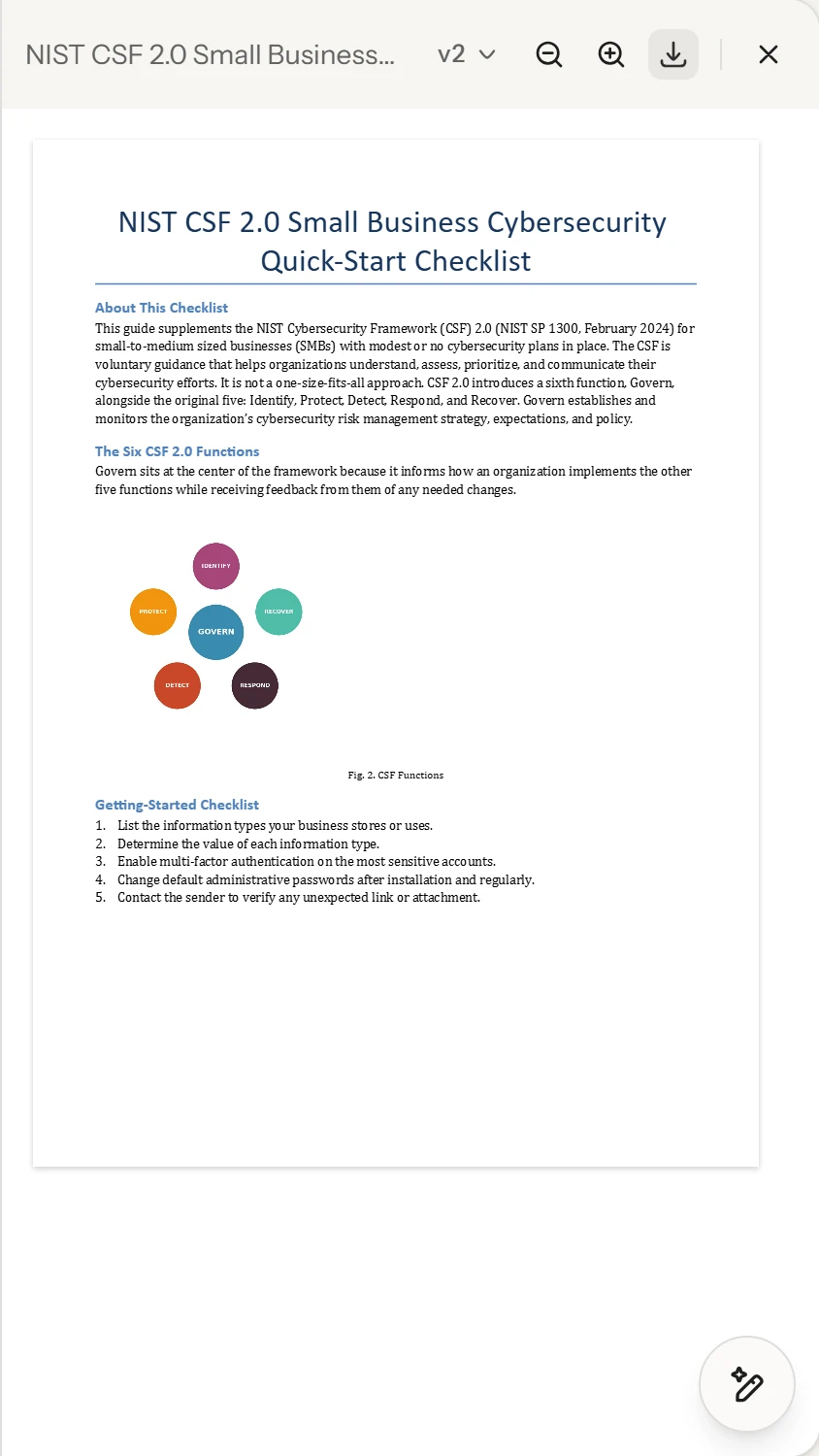
Open an earlier version
Click the version button to list every version, and pick one to open it. Deleting the document deletes all of its versions.
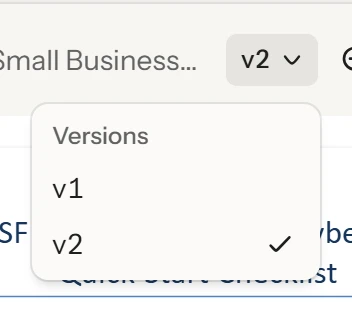
A very long document may be too long for a small model to rewrite in one go: Studio says so and names the model.
Next
- Documents the agent makes change when you ask in its chat.
Last updated on November 23, 2026