 SurfSense Docs
Dictate a question
Speak instead of typing in the chat box, with speech turned into text on your computer
Voice input uses the speech recognition model from Turn a recording into a source. Your voice never leaves your computer; the text you send is an ordinary message. See Voice input.
Speak
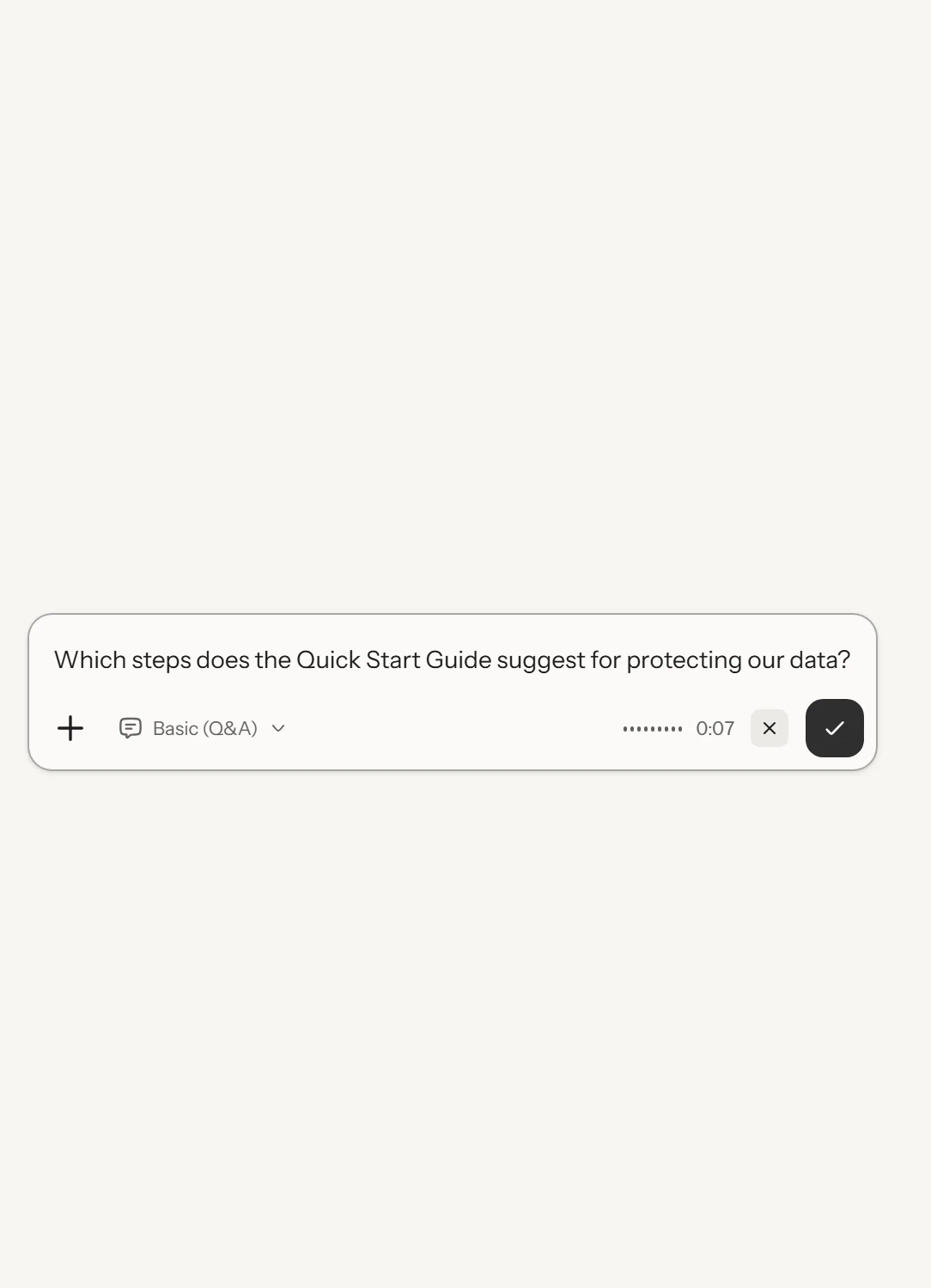
Click the microphone beside Send and speak. A recording strip appears in the chat box, and your words arrive a phrase at a time, after each pause.
Keep the text
Click ✓ or press Enter to finish: SurfSense adds the last phrase and leaves the text in the box. Nothing is sent until you send it. Press Escape or click ✕ to throw the recording away.
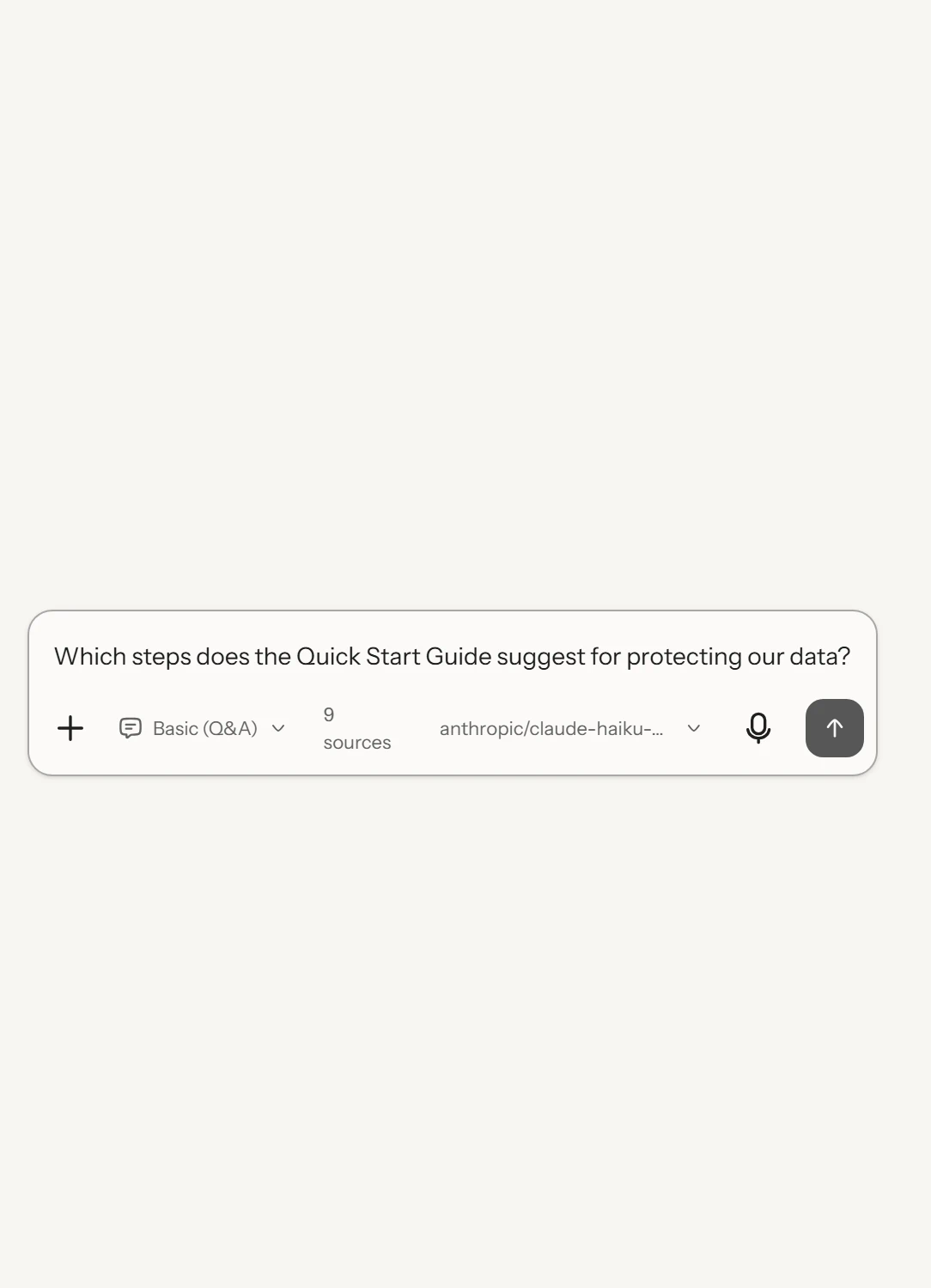
The first time, your system may ask to let SurfSense use the microphone. Voice input stops after 5 minutes.
Next
Last updated on November 23, 2026